Anonymized commercial CV
Written By Talenkai
Last updated 23 days ago
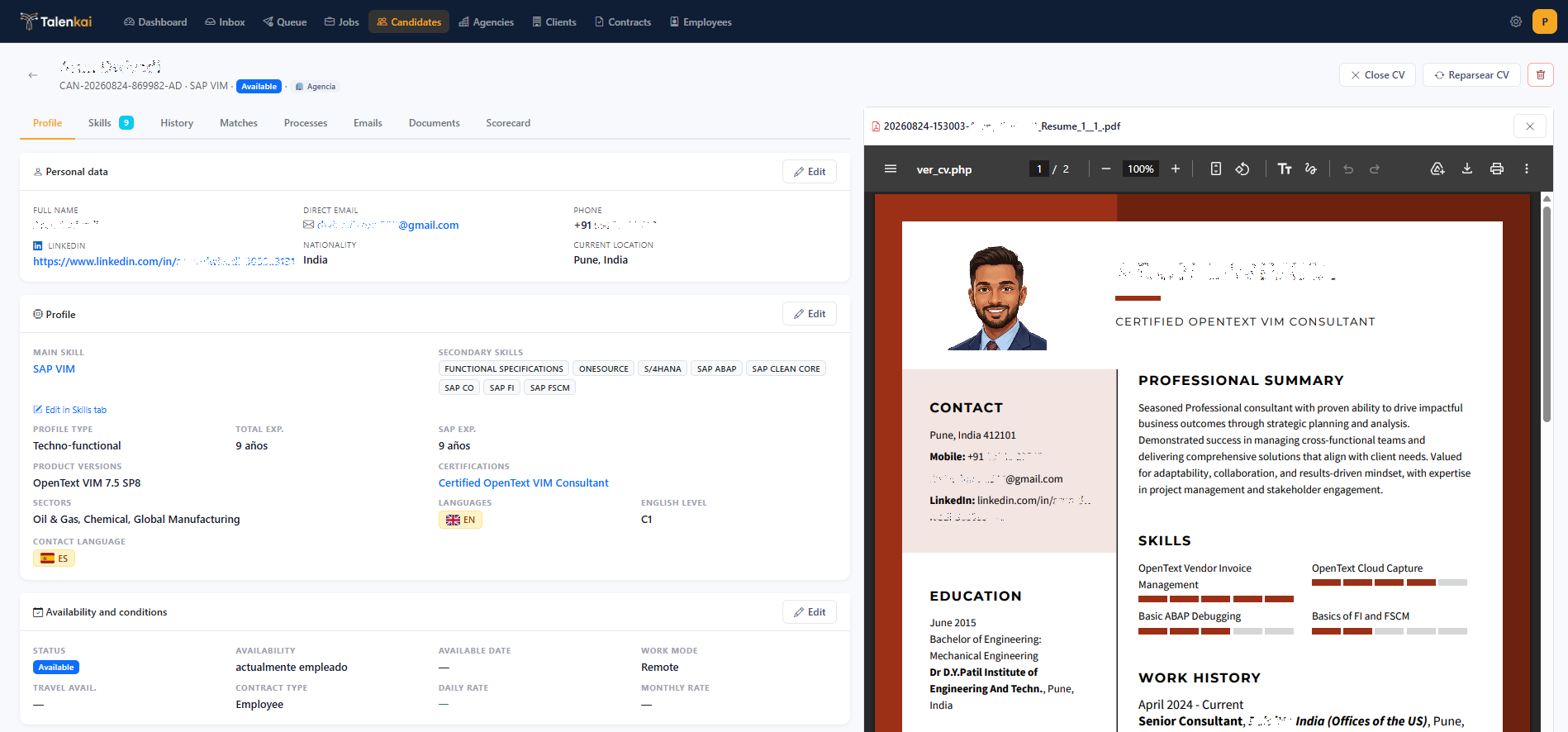
When you need to share a profile with a client without exposing personal data, use the anonymized / commercial CV from the candidate file (when enabled for your company).
When to use it
First client presentation.
Sharing inside a client portal that should not see phone/email/address.
Agency-to-client packs where personal data is withheld until later stages.
How
Open the candidate.
Generate or download the anonymized commercial CV.
Open the PDF and read it before sending — check that names, contacts, and sensitive employers were scrubbed as expected.
Attach it to the client-presentation email or send through your agreed channel.
Limits
This is an operational aid for briefing. It is not a substitute for your own privacy, contractual, or compliance review. If something still identifies the person, fix the source profile or edit before send.
Quality tips
Keep the original CV on file; anonymization works better on complete, well-parsed profiles. After major CV updates, regenerate the commercial PDF.
Related: Review queue, Add a candidate.
Still need help? Ask the team