Create a job from a client brief
Written By Talenkai
Last updated 23 days ago
A clean job card is the difference between useful scores and noise.
From the Inbox
Open a classified job email.
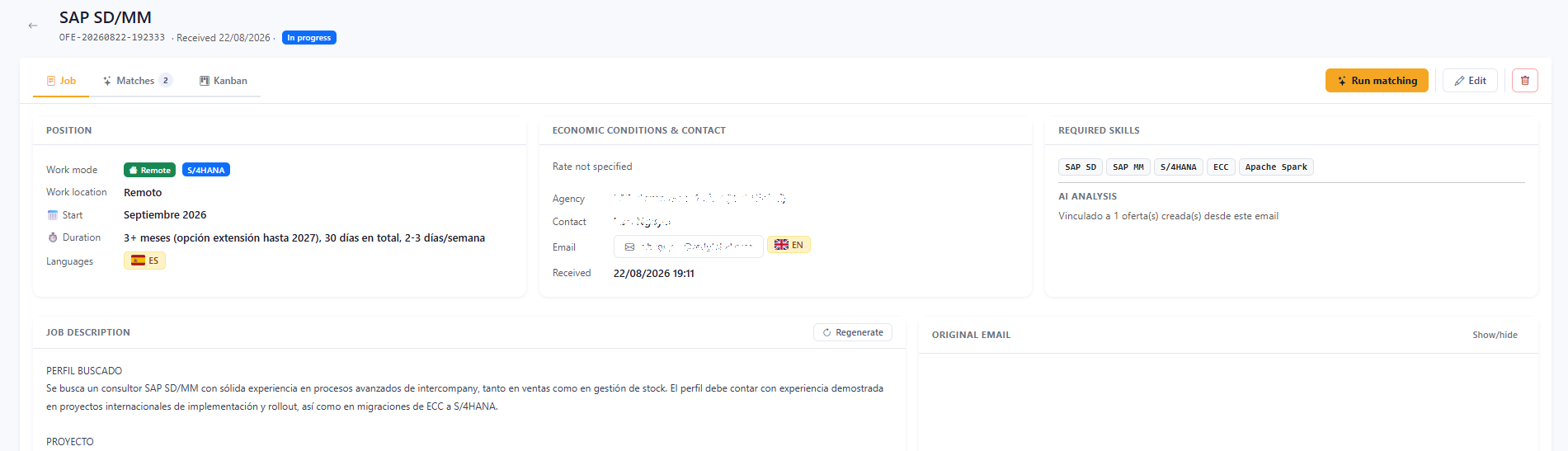
Confirm client/agency, skill, languages, modality, location, duration, and rate ceiling.
Save the job.
Open it, run matching, then work the kanban.
Manual create
Go to Jobs / Offers.
Create a job and fill the same commercial fields.
Attach or paste the description clients will recognize.
Save and match.
What to get right before matching
Messy forwards
You can still create the job from a chaotic email; plan one edit pass on the job card before you trust scores or send first contact.
After the brief changes
Update the job fields and recalculate matches. Keep kanban cards you already advanced; refresh is for suggestions and scores, not for throwing away pipeline history.
Related: Understanding match scores, Kanban and follow-ups.
Still need help? Ask the team